

One Email for Everything
Your account has one email address. You sign in with it, you use it to get back in if you’re locked out, and your schools contact you at it. An email address can belong to only one person, so you can’t use one that someone else already uses.Change It
- Web
- iPhone and iPad
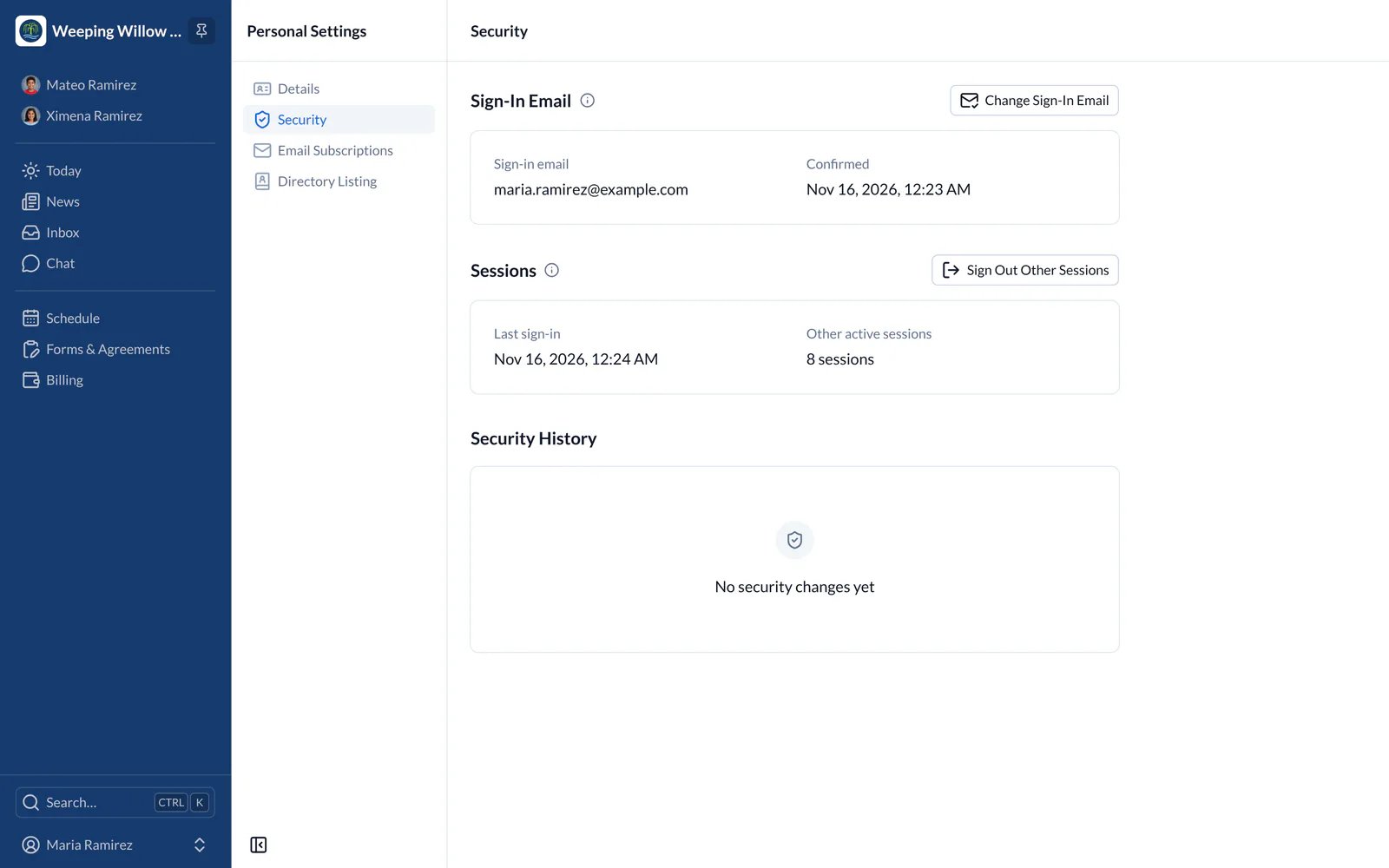
- Choose your name at the bottom of the main menu, then Personal Settings, then Security.
- Choose Change Sign-In Email, type the new address and choose Send Confirmation Link.
- Open the email we send to the new address and choose the link while you’re still signed in. The link works for 24 hours.
- We also email your old address to let you know. Once you confirm, you’re signed out on your other devices.
Didn’t Ask for a Change?
- Web
- iPhone and iPad
Go to the Security page (step 1 above), cancel the change and choose Sign Out Other Sessions. This signs you out of SchoolCues on every other device.