

- Web
- iPhone and iPad
Pay
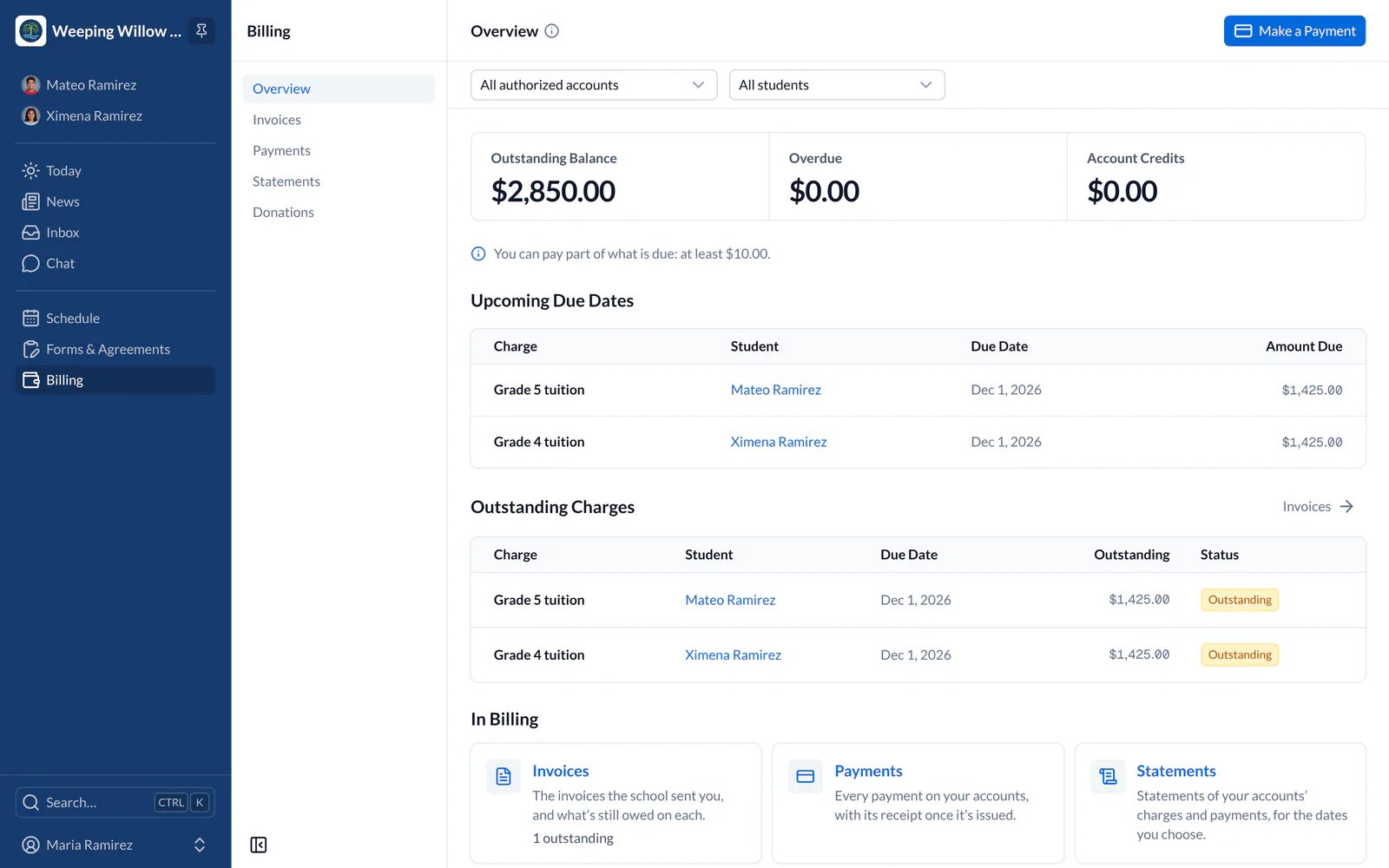
- Choose Billing in the main menu on the left. Overview shows what you owe and when it’s due.
- Choose Make a Payment and the invoices you want to pay.
- Receipts and statements stay in Payments and Statements.
- Web
- iPhone and iPad
Pay what you owe, see your payments and statements, and turn on autopay.