

Today
- Web
- iPhone and iPad
Today is the first page you see. Needs Attention lists forms, agreements and payments that are waiting for you. Below it, each of your children has a card; choose it to open their profile.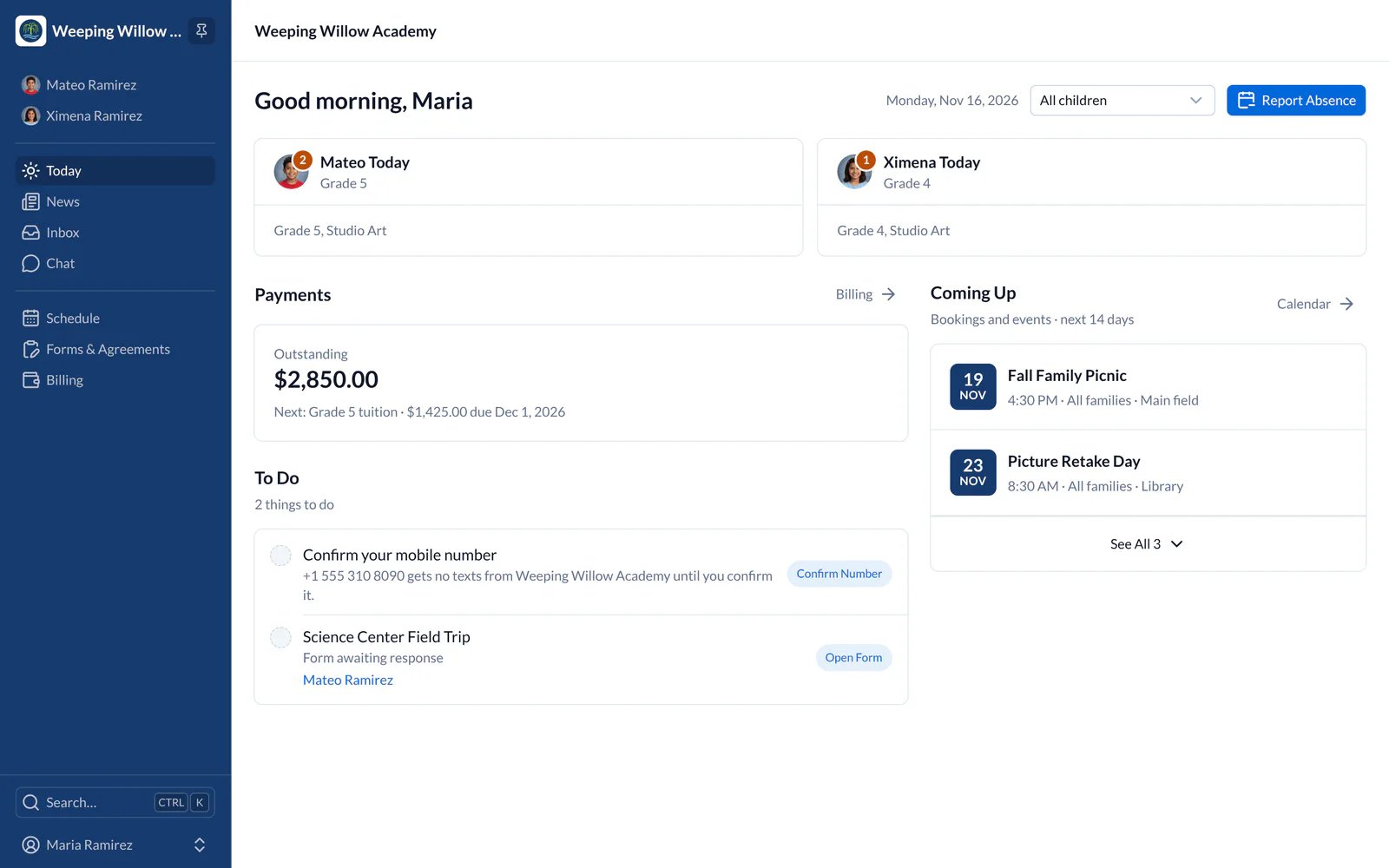
- Web
- iPhone and iPad
Your Child’s Profile
- Choose a child on Today, or choose Children in the main menu on the left.
- Use the tabs across the top for attendance, classes, reports, forms, notices and student information.
- You see only the children the school has linked to you. If one is missing, contact the school.
Where Things Moved
- Web
- iPhone and iPad
- Class Updates, Homework, TextCues and Communications are all in Inbox.
- Easy Sign Up and Parent-Teacher Conferences are now Bookings, in Schedule. You answer an RSVP on its event’s page.
- Documents Box is now Documents, on your school’s page.
- Student Information System (SIS), attendance and reports are tabs on your child’s profile.
- Absentee, Tardy and Miscellaneous forms are on your child’s Care tab.
- Enrollments & Agreements and Permission Forms are one list in Forms & Agreements: choose a Type to see only forms or only agreements. Payments is now Billing.
Messages from School
Every message the school sends you is in Inbox, even if you also get it by email or text. You can filter Inbox by the type of message or by child.Your School’s Details
- iPhone and iPad
Tap the school’s logo at the top left of the screen for its address, phone number, key contacts and documents. On iPad, the school is at the top of the sidebar on the left, which takes the place of the tabs and Menu.