

- Web
- iPhone and iPad
Mark a Class
- Open Attendance and choose the class and date.
- If the class takes attendance more than once a day, choose which time, such as Morning or Afternoon.
- Choose Mark All Present, then change the students who aren’t.
- If a family sent a notice for that day, it shows beside the student with a suggested mark.
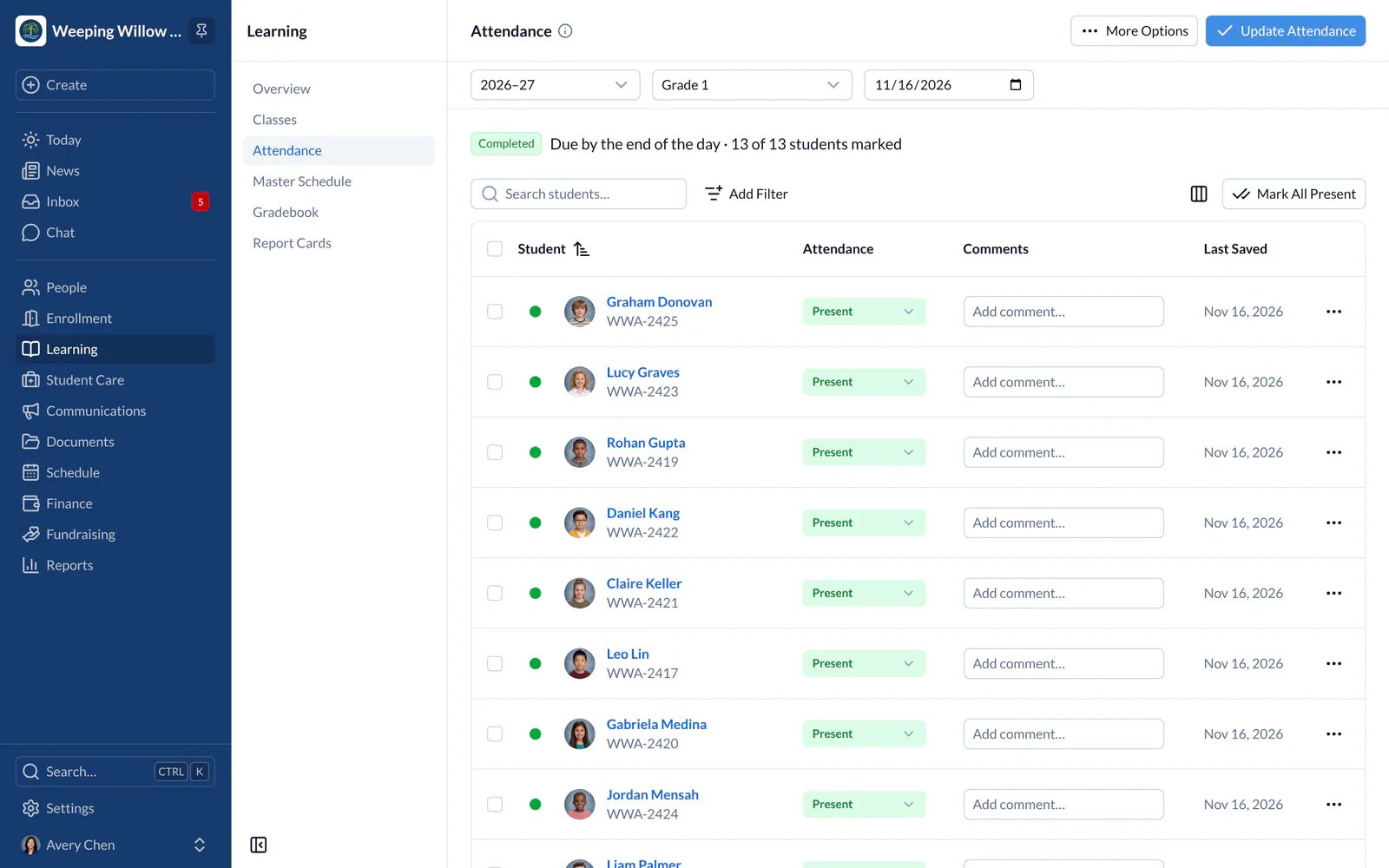
When It’s Due
A class’s attendance is done once every student has a mark. If it’s late, the class’s teachers get a reminder. Administrators choose the times in Settings and can see which classes are done.Absence Alerts
When a student is marked absent and their family hasn’t sent a notice, the family gets an alert after a short wait, 15 minutes unless your school chose another. Correct a mark before then and no alert is sent. Administrators choose the wait, or turn alerts off, in Settings › Absence Alerts.Reports
- Web
- iPhone and iPad
Attendance Summary, Attendance Comments and Monthly Attendance are in Reports, and cover the classes you can see. On days when attendance is taken twice, each time counts as half a day, as on report cards.