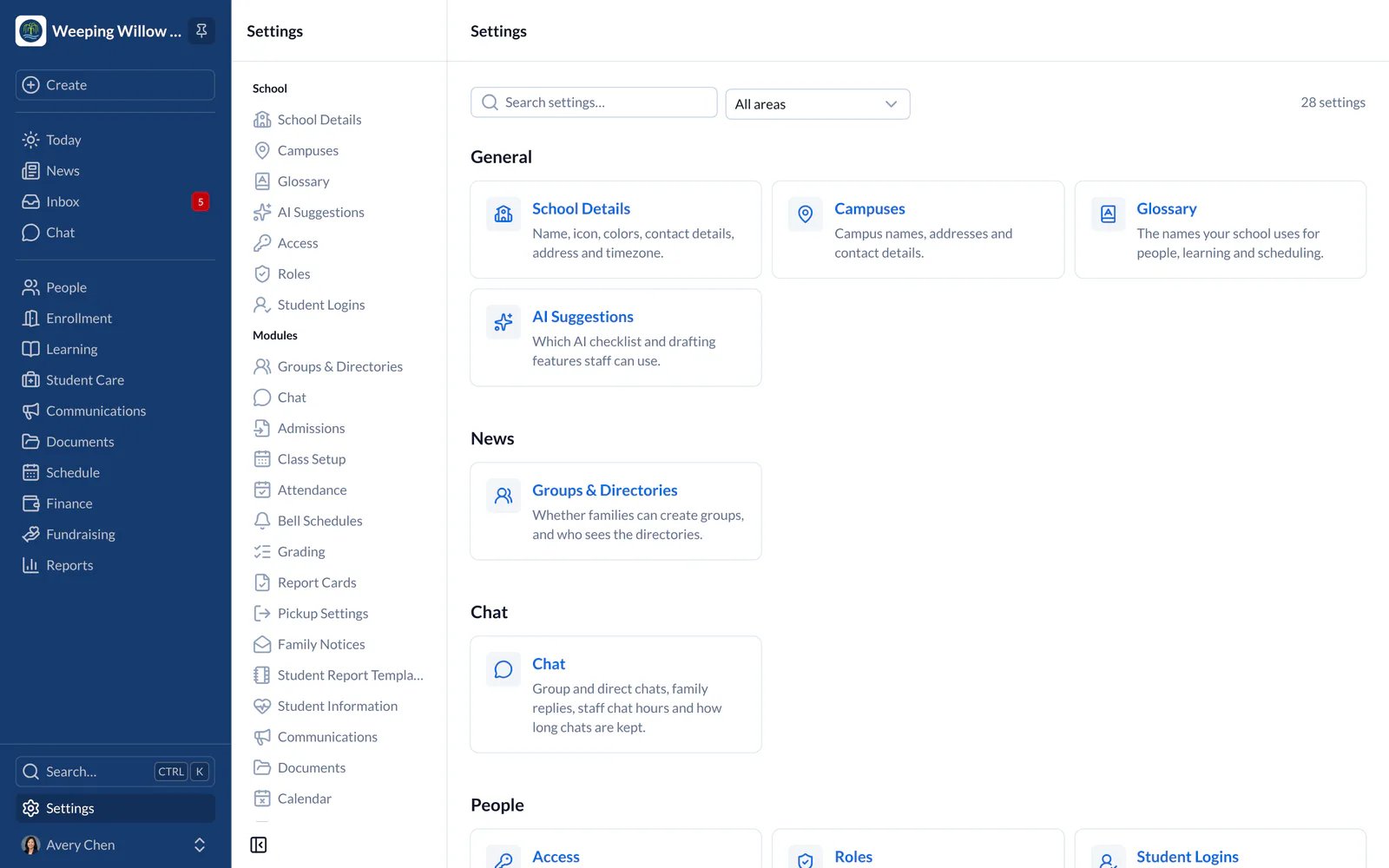
What Settings Holds
Settings is for what you set up once and rarely change: your school’s details, school year and calendar, attendance choices, payment rules, plan and what each staff member can do. Work you do week to week, such as adding students, sending messages or editing the website, has its own place instead.Find a Setting
- Web
- iPhone and iPad
- In the main menu on the left, choose Settings.
- Settings lists its pages in groups that follow the main menu: General first, then each area, such as Learning, Student Care and Finance, then Integrations and Plan. Each page says what it’s for.
- Search finds a setting by other words too, such as “late fees” or “snow day”.