Add Staff
- Web
- iPhone and iPad
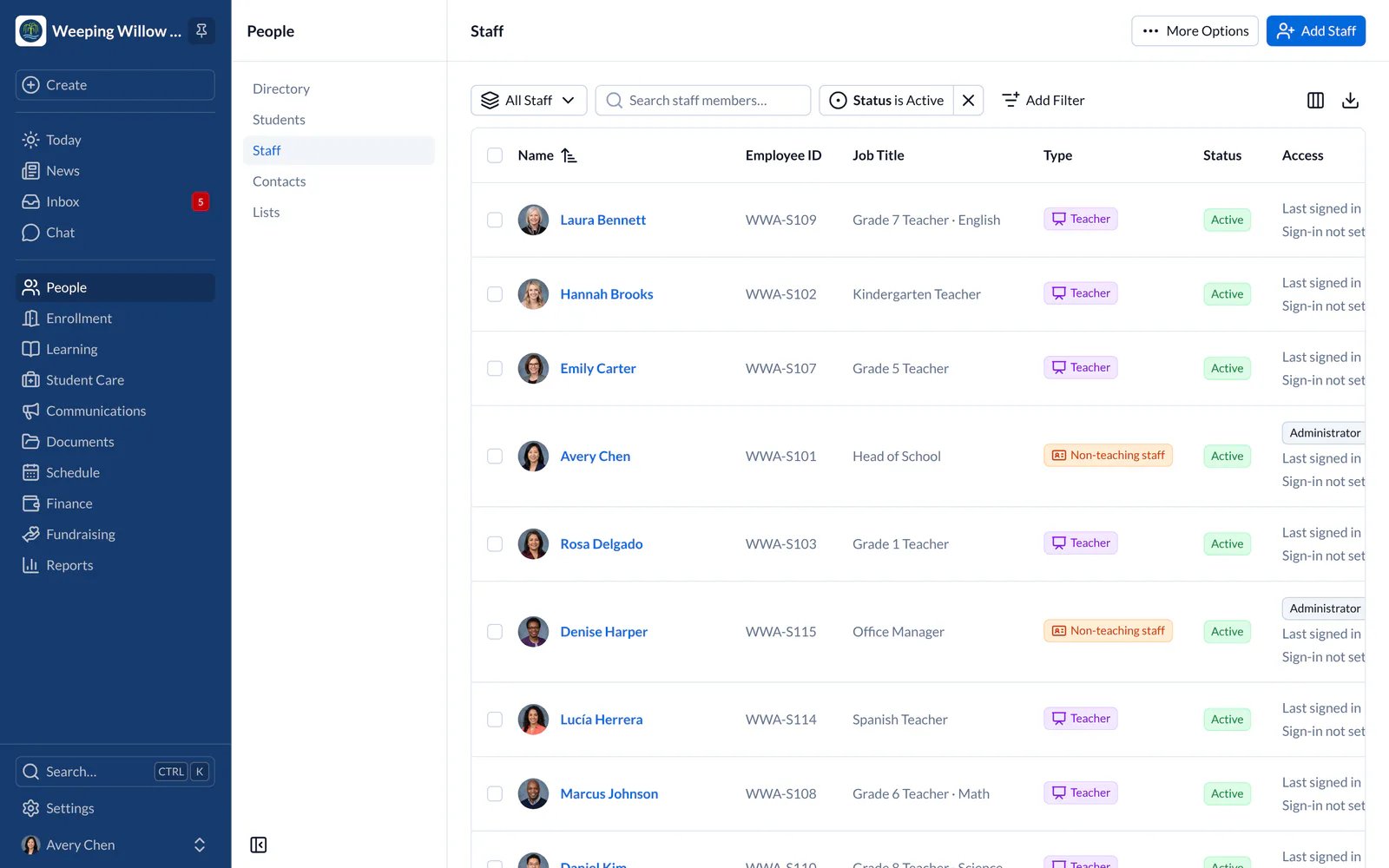
- Go to People, then Staff, and choose Add Staff. To add many people at once, import a spreadsheet (CSV file).
- Assign teachers to their classes. Teaching a class gives access to that class only.
- On the staff member’s page, choose their roles, such as Administrator, Front Office, Admissions, Finance or Nurse. A role decides what someone can see and do.
- In Settings, Access, then Roles lists the roles SchoolCues provides, which it keeps up to date, and any your school has made. To give different access, copy a role or add a new one and choose exactly what it allows.
Take Access Away
- Web
- iPhone and iPad
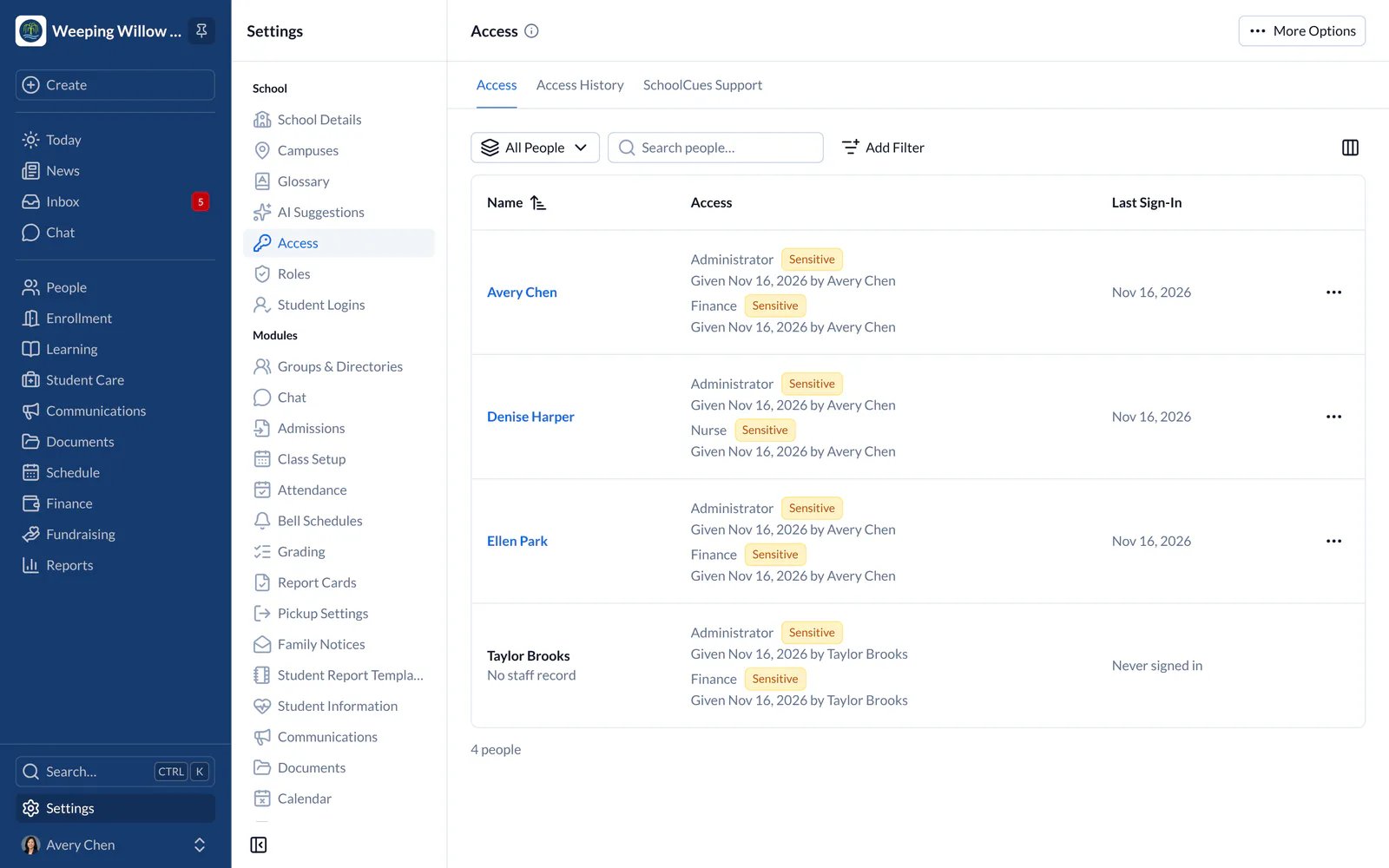
Revoke School Access removes all of someone’s access at this school; their history is kept. In Settings, Access shows who has each kind of access.