

Each Day
- Web
- iPhone and iPad
- Open Check-In & Check-Out and choose a class.
- Choose Check In or Check Out beside each student.
- When a student leaves, choose who is collecting them. Only people the school has approved for pickup are listed.
Requests and History
- Web
- iPhone and iPad
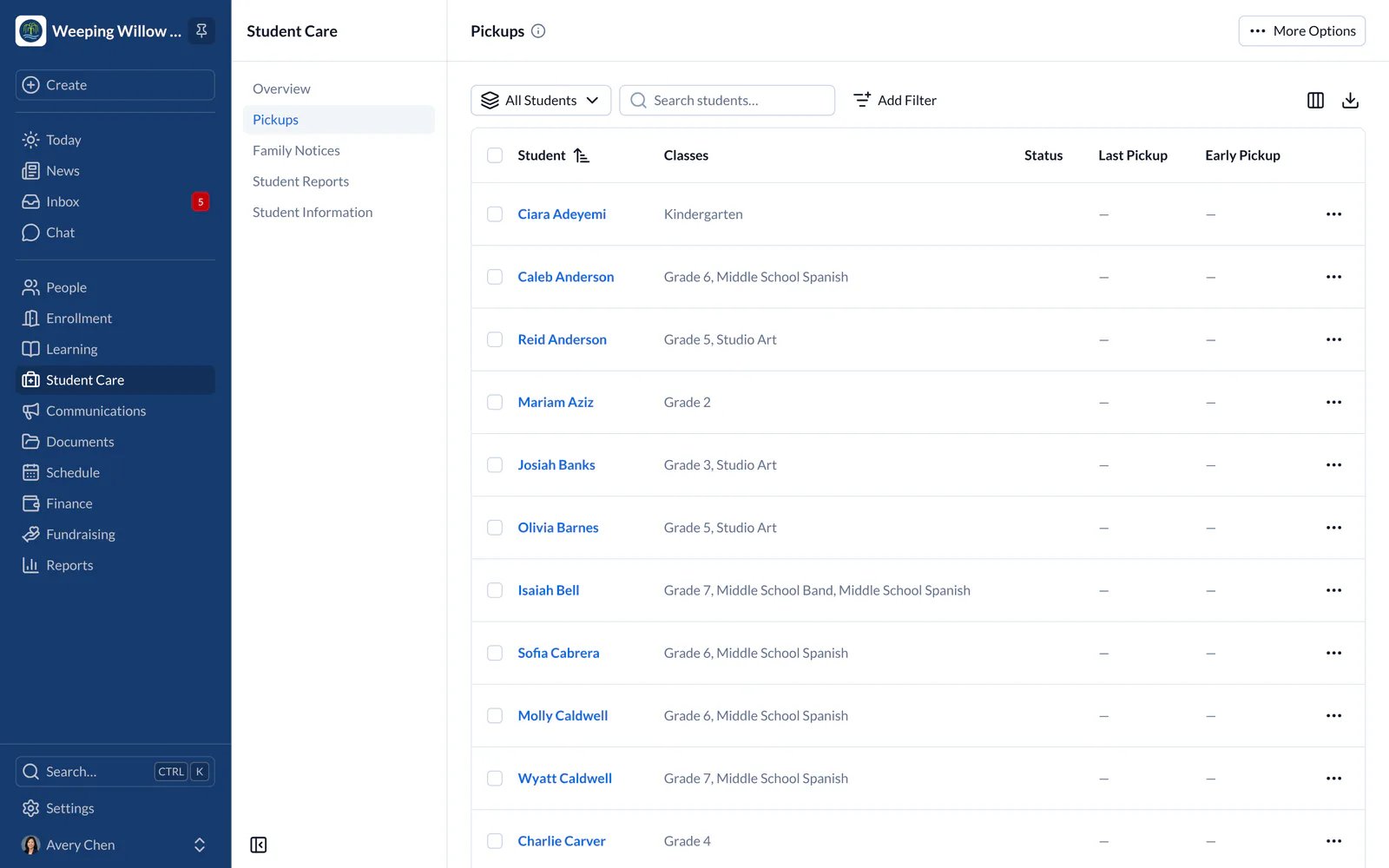
Early pickups families send are in Family Notices, where you record or decline them. Past check-ins and pickups are in Reports, under Check-In & Check-Out History (Pickup History if your school records pickups only). To fix a mistake, correct the entry from the history; the original is kept.
A Check-In Kiosk
- Web
- iPhone and iPad
School administrators can set up an iPad by the door so families check their children in and out themselves. This is done in the SchoolCues app on that iPad.